
Today on Home
One list for what is due today: cleaning, dinner, leftover money, kids, bags, and worship.
A calmer house day, without the scramble. Cleaning, meals, and money on your phone — even when the signal drops.
App StoreSoon

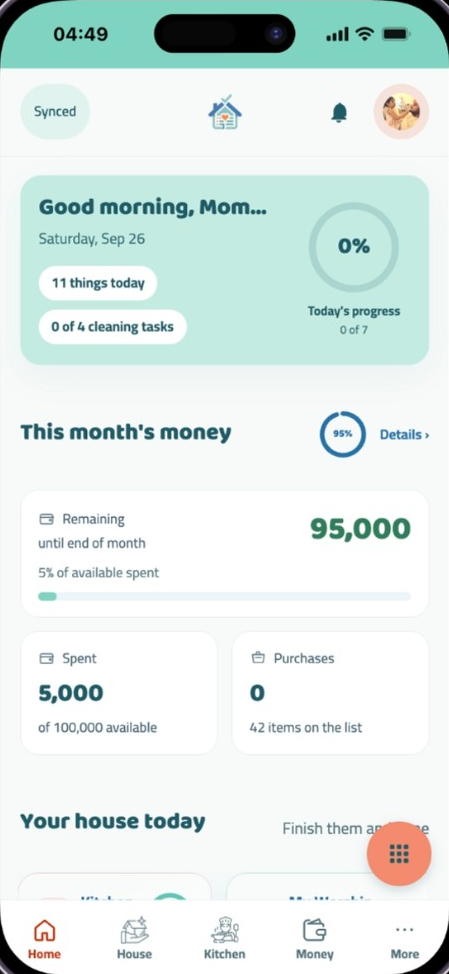
One list for what is due today: cleaning, dinner, leftover money, kids, bags, and worship.
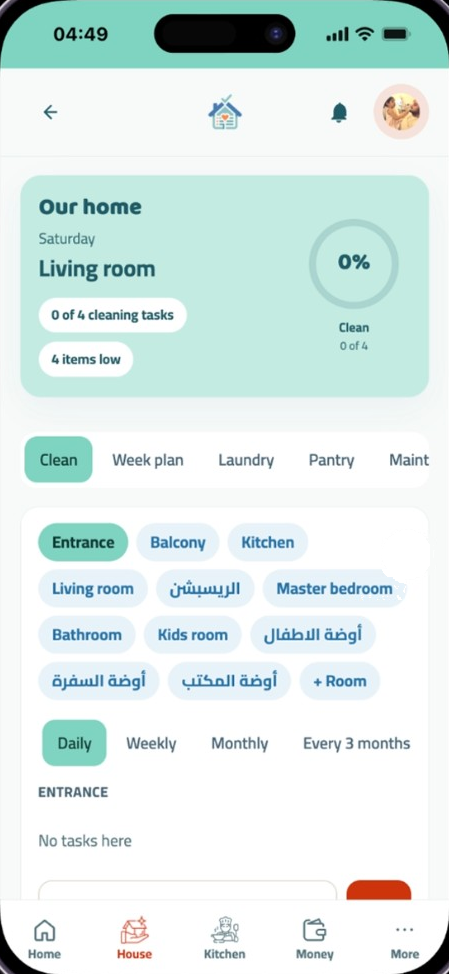
Clean by room, week plan, laundry, pantry, maintenance, and monthly declutter.
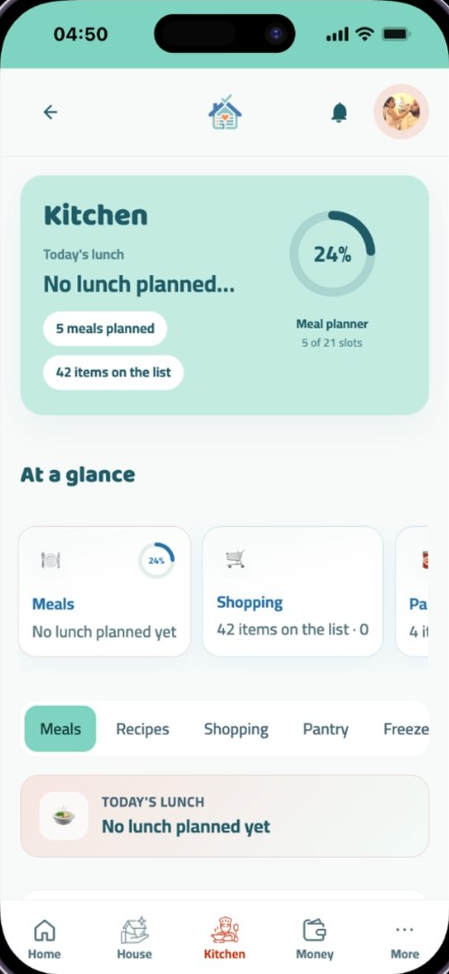
Week meals, a recipe bank, shopping list, pantry, and freezer. Missing garlic goes on the list.
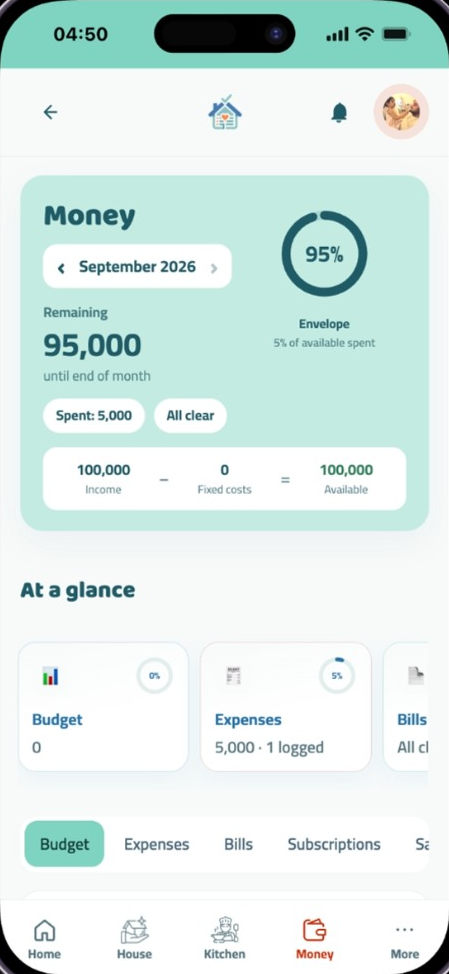
Income, rent and other fixed costs, leftover envelope, bills, expenses, subscriptions, and savings.
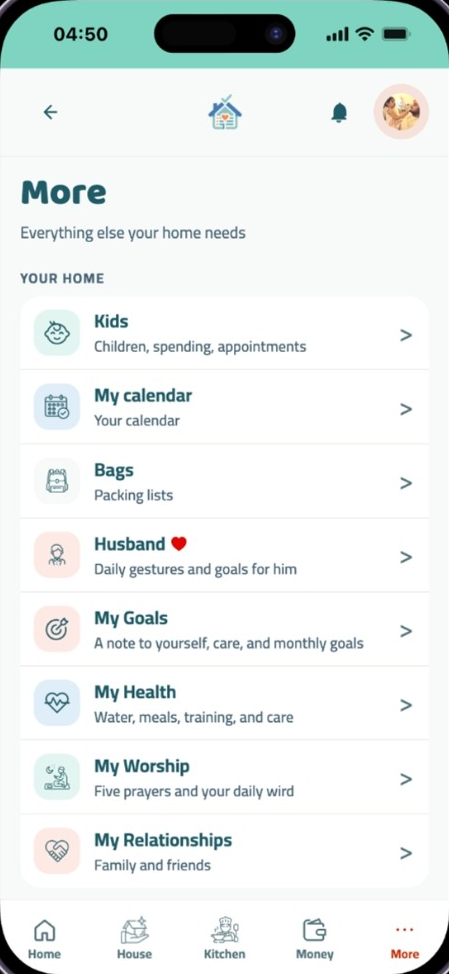
Children, tasks, appointments, packing lists, and a calendar for occasions. Open them from More.
Saves on the device first. Invite the second seat. Extra people need a one-time extra-seat payment. Export or restore from Backup.
Sign up with email or phone, name the home, invite one more person from Invite (link or QR).
Rooms, meals, and bills are already there so the screens are not empty. Change them or delete them.
Home shows what is due. Your partner sees the same list after sync.
Pay once and keep it for good.
Choose planPay by mobile wallet, InstaPay or bank transfer, then send the receipt — a person confirms it within a day, and nothing locks while you wait.
Yes. Everything saves on the phone immediately and syncs when you are back online.
No card. Sign up, name the household, and your partner joins from the same link.
Cancel any time.